
📰 Pokémon TCG news · 16 October 2026
Pokémon Center UK errors and queue problems: what they mean and what to do
Pokémon Center UK has a few quirks that throw up errors during a drop. Here’s what each one means and what to do, from the Pokémon Center guide our members use in the Galar Alerts Discord, with the screens you’ll see.
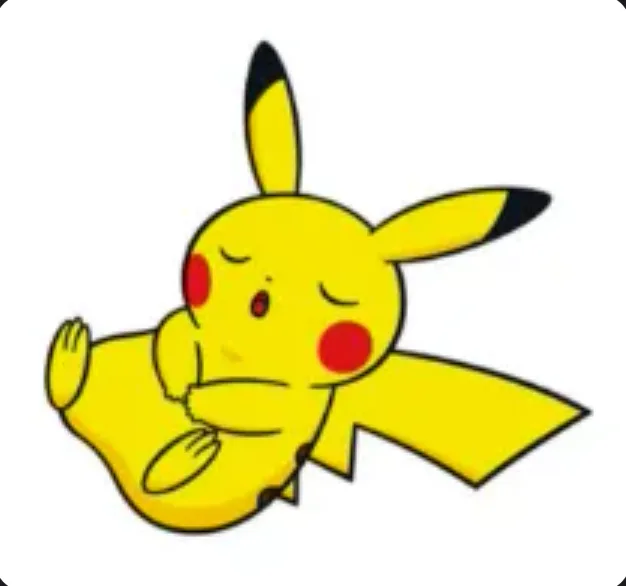
Quick answer: Error 17 means your IP address is blocked: reboot your router on home internet, or switch Airplane Mode on and off on mobile data. Error 15 means your browser session is blocked: refresh, try a private window, clear your history or switch browser. A sleeping Pikachu saying “Temporarily Unavailable” means your session expired and you’ll be put back in the queue.
At a glance
| Status | Galar Alerts guide |
|---|---|
| Reported | Friday, 16 October 2026 |
| Shop | Pokémon Center UK |
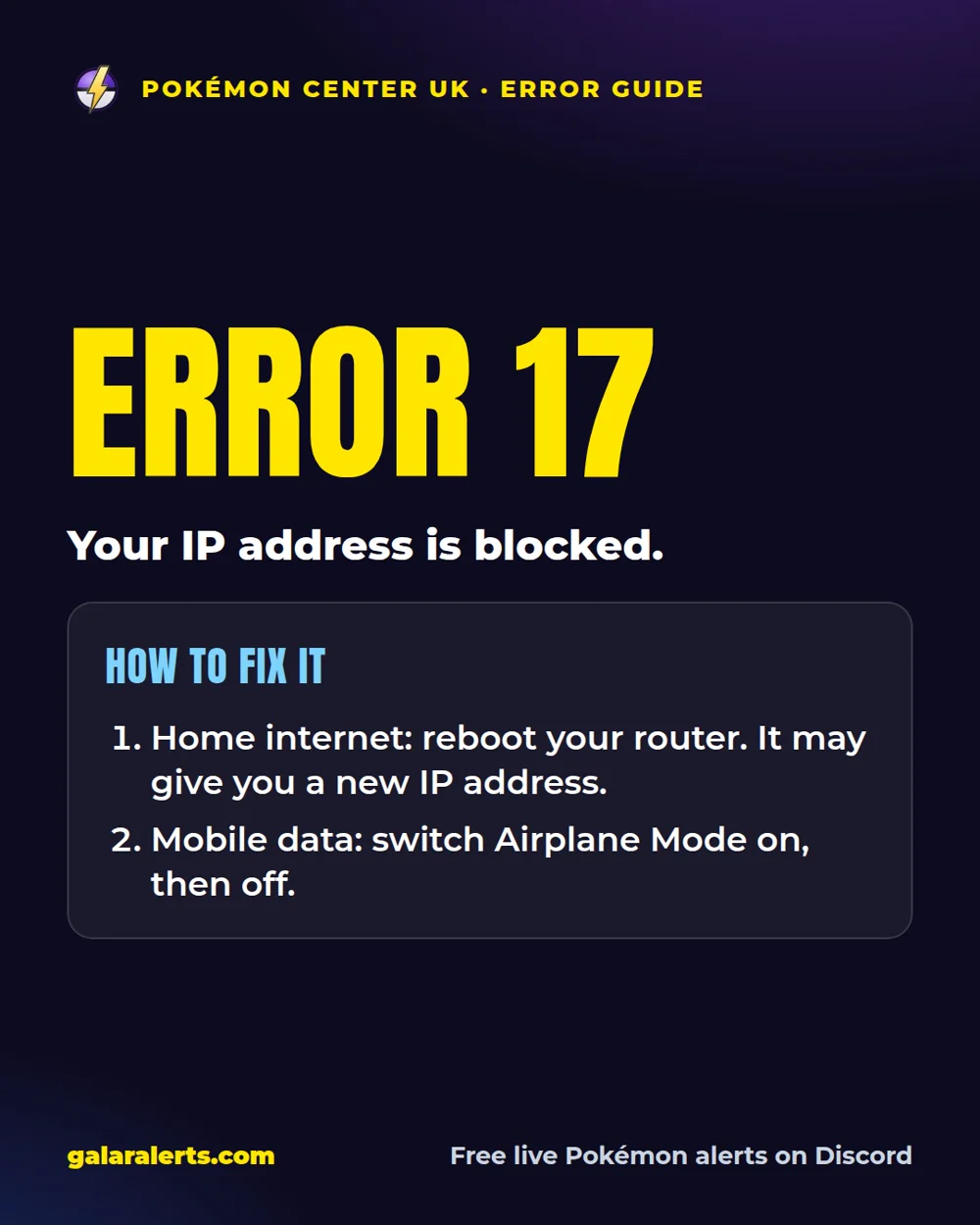
Error 17: IP address blocked
Error 17 means Pokémon Center has blocked your IP address.
- On home internet: reboot your router, which may give you a new IP address.
- On mobile data: switch Airplane Mode on and off to reset your connection.
Error 15: browser session blocked
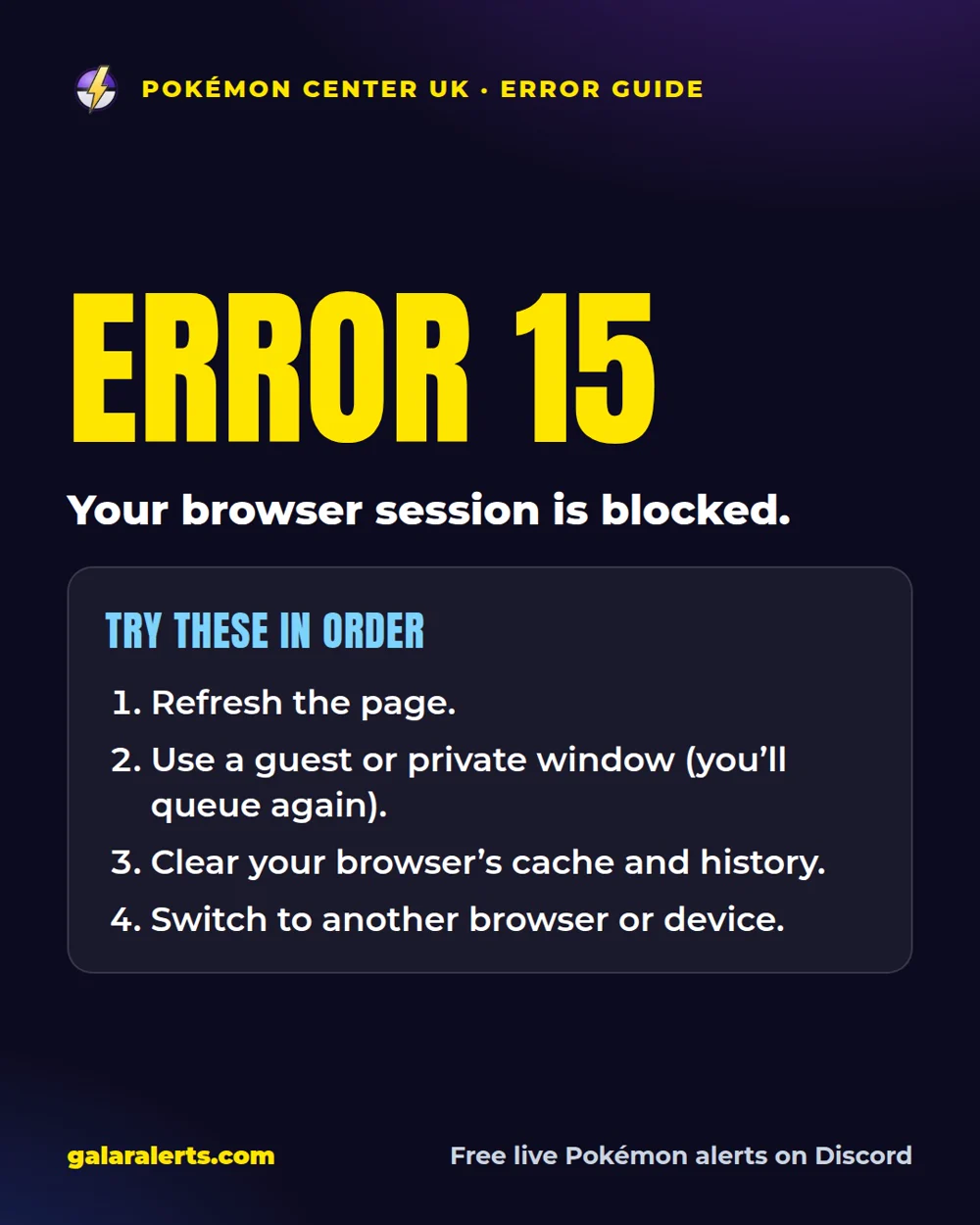
Error 15 means your browser session has been blocked. Try these in order:
- Refresh the page: sometimes that’s enough.
- Use a guest or private browser window (you’ll have to queue again).
- Clear your browser’s cache and history. It removes cookies for every site, so only do it if you need to.
- Switch to another browser or device.
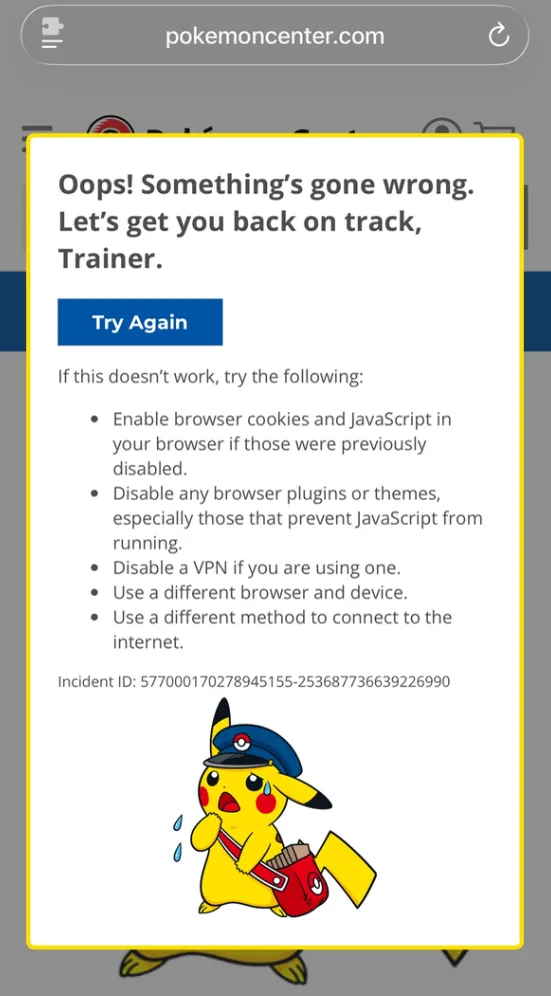
“Oops, something went wrong” and “Let’s get you back on track, trainer”
These mean the website couldn’t verify you properly. A refresh (F5) sometimes fixes it.
If not, clear all your history and website data and restart the browser or app: that makes the site verify you again. Don’t use a VPN. It will put you back in the queue if you’re in one.
- On an iPhone: force close Safari, go to Settings > Apps > Safari, set “Hide IP address” to off, then tap Clear History and Website Data.
The sleeping Pikachu: “Temporarily Unavailable” or a blank page
“Temporarily Unavailable” with a sleeping Pikachu means you waited too long between pages and your session expired. You’ll be put back in the queue.
A blank page with a sleeping Pikachu is a glitch: open any other live product page on Pokémon Center to fix it. Each product link only works once per session, so if it happens again in the same drop, use a different product.
The spinning Poké Ball at payment
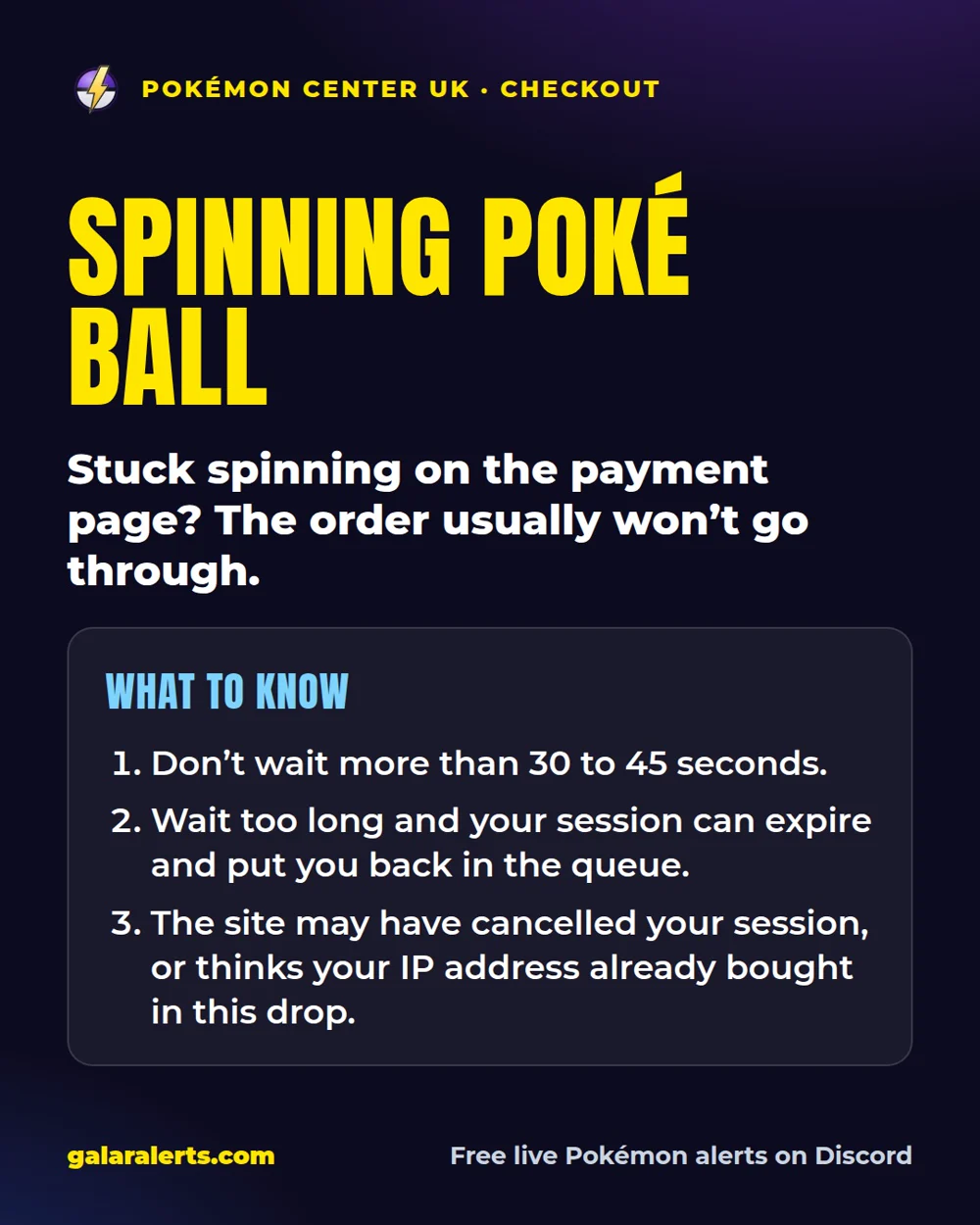
A Poké Ball that keeps spinning on the payment page usually means the order won’t go through. Don’t wait more than 30 to 45 seconds: wait too long and your session can expire and put you back in the queue.
There are two likely causes. The site decided you took too long and cancelled your session, or it thinks your IP address has already bought in this drop and blocked it for now. On mobile data and some home broadband, many customers share one IP address, so someone else’s order can look like yours.
Neither can really be prevented in advance.
“Hey Trainer, Try Again” and grey squares
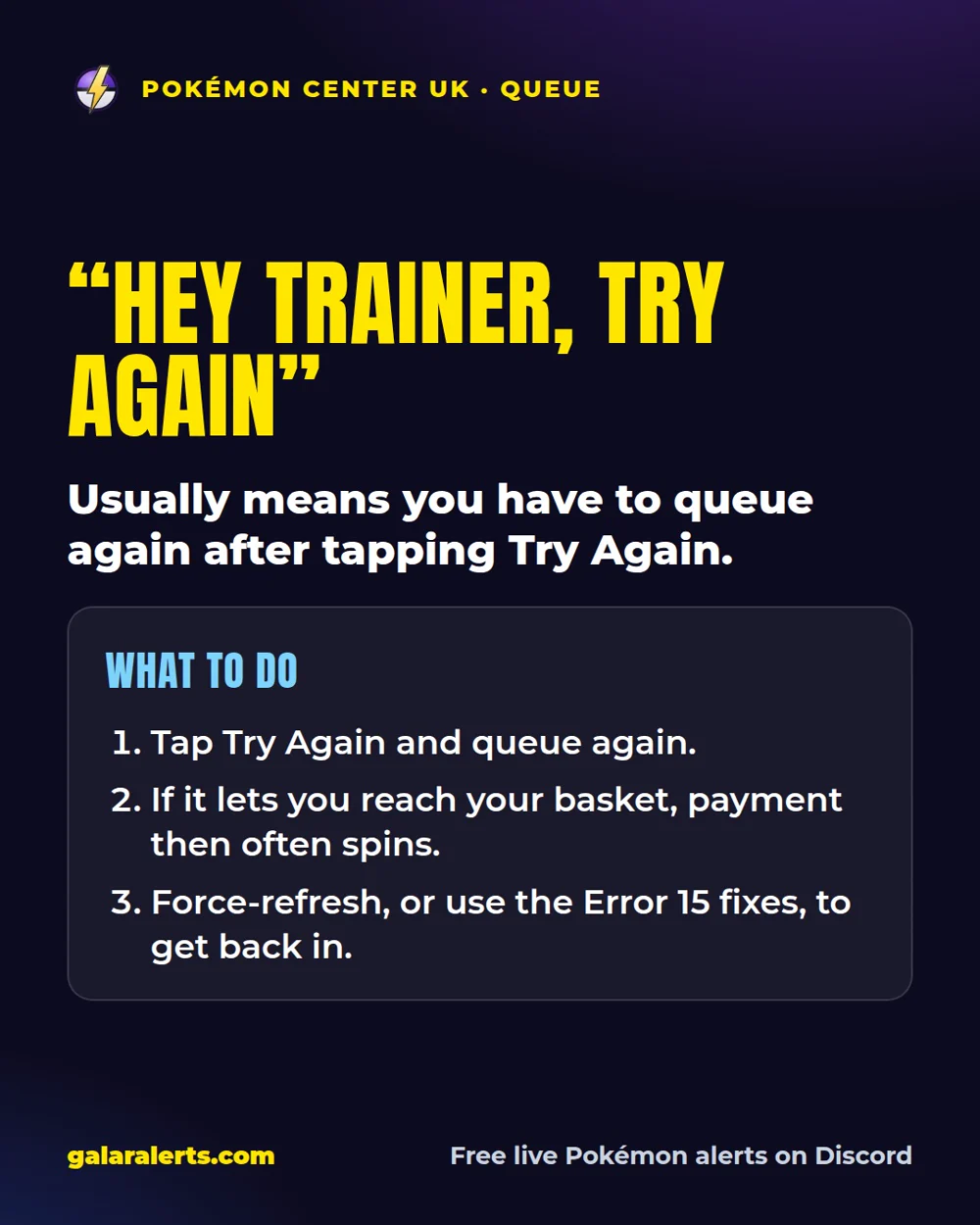
- “Hey Trainer, Try Again” usually means you have to queue again after tapping Try Again. Sometimes it lets you reach your basket, but payment then often spins.
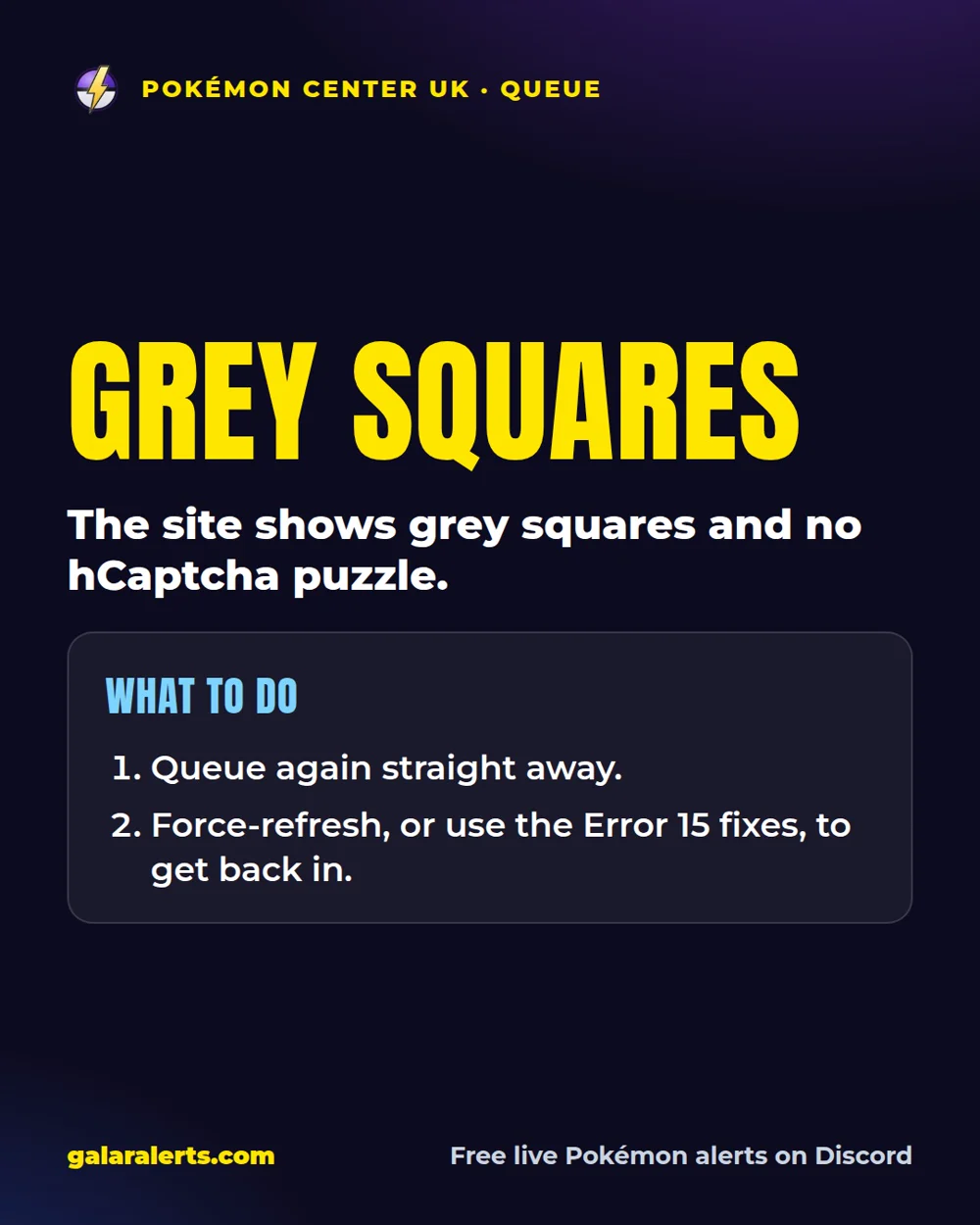
- Grey squares when the site loads, without an hCaptcha puzzle: queue again straight away.
- Force-refresh, or use the Error 15 fixes, to get back in.
How to avoid errors in the queue
- Don’t browse Pokémon Center before an expected drop: early visits can get you blocked.
- Joining the second a queue goes up can get you to the front before the products drop and trigger a block, so some people join a few minutes in.
- Don’t refresh while you’re in the queue: you can lose your place.
- Don’t queue from several tabs or devices on the same network: split between mobile data and home internet.
- Avoid Safari: it refreshes by itself at random. Chrome or Edge are safer.
Paying for your order
- Log in before checkout, so your name and address fill in by themselves.
- New product pre-orders take card payments only, and 3D Secure (your banking app or a text) is likely, so keep your phone handy.
- For regular drops, PayPal or Apple Pay avoid 3D Secure.
- Tap the big yellow BUY NOW button and wait for the confirmation page with your order number. On big drops the email can arrive late.
Get pinged the moment the queue goes up
Galar Alerts pings everyone the moment the Pokémon Center UK queue goes live, for free, and our Discord has the full Pokémon Center guide with these fixes.
🔔 Get the Pokémon Center queue alerts. Free on Discord.
Get free live Pokémon alertsUpdates
- Saturday, 17 October 2026:
Reported by Galar Alerts. Photos: Galar Alerts.
Questions
What is Error 17 on Pokémon Center?
Your IP address has been blocked. Reboot your router on home internet, or switch Airplane Mode on and off on mobile data.
What is Error 15 on Pokémon Center UK?
Your browser session has been blocked. Refresh, use a private window (you’ll queue again), clear your history, or switch browser or device.
Why does Pokémon Center say Temporarily Unavailable?
You waited too long between pages and your session expired, so you’ll be put back in the queue. A blank page with the sleeping Pikachu is a glitch: open another live product page.
Why is the Poké Ball spinning at checkout?
Usually your session timed out, or your IP address was blocked for this drop. Don’t wait more than 30 to 45 seconds.
What does “Oops, something went wrong” mean on Pokémon Center?
The site couldn’t verify you. Refresh first; if that doesn’t work, clear your history and website data, restart the browser and don’t use a VPN.
Does refreshing lose my place in the Pokémon Center queue?
It can. Avoid refreshing while you’re in the queue.
How do I get Pokémon TCG news first?
Join the free Galar Alerts Discord. We post UK pre-orders, restocks and Pokémon TCG news the moment we find them.

Get Pokémon news first
News, pre-order openings and release dates land in the Discord the moment we find them. Free.